
01Shape story
Story order, visible at a glance.
Move the intro, interview, sponsor read, and outro like sections of a story. Decide the shape of the episode before zooming into edits.
Arrange in blocks, edit as text, let AI handle the sound.
Publish-ready in minutes, not weekends.
#3 Lessons from Year One
Jan 30 · 23:41
Built in Tokyo —
Built in Tokyo
Podcast-first editing
Traditional audio editing tools expose every track, knob, and slider because they were built for music production. HENSHU keeps the audio engineering under the hood, so podcasters can shape the story.
Guest interview
Welcome to the Jungle Gym, the show where we swing through modern life from a slightly different lens, usually one with more fur and fewer spreadsheets. I'm your host, Alex, and today's guest is Dr. Maya Sterling. Maya, welcome to the podcast.
Thanks for having me. I'm looking forward to it.
So for those of you who don't know, Maya spent the last 15 years embedded with chimpanzees, studying how groups make decisions when nobody is officially in charge.
That is right. The funny thing is that the patterns feel familiar pretty quickly: attention, trust, status, interruption, all the things humans bring into a meeting room.
That is exactly where I want to start, because the meeting room comparison is the part I did not expect.
How it works
Upload the conversation, shape the story, clean the sound, add music, and walk away with something ready to publish.
Move the intro, interview, sponsor read, and outro like sections of a story. Decide the shape of the episode before zooming into edits.
Story
Key quote
00:18Welcome to the podcast
00:42Today's guest is...
03:20Final takeaway
01:04Select words in the transcript, press delete, and the recording updates with you.
Background noise, uneven levels, and rough recordings get smoothed out — without you touching EQ or compression.
The background drops back and the voice stays forward.
Pick from roughly 200 podcast-ready tracks and let the music loop, fade, and sit under the conversation. Every track is cleared for podcast use.
Download the mastered episode, copy the drafted show notes and chapters, then publish wherever you host your show.
Trail Head · Episode 07
Episode audio
Mastered automaticallySummary
Drafted from transcriptIn this episode, we walk through three weeks on the John Muir Trail, end to end. From setting out at Yosemite to navigating an unexpected water shortage on day twelve, the conversation covers route planning, gear lessons learned the hard way, and the small decisions that ended up mattering most.
Chapters
Why HENSHU
A note from the team
Tokyo · 2026
So much of the internet is increasingly being built for short, viral content. But the slower rhythm of a podcast has something that the short stuff doesn’t. There’s room to think, explain, remember, and disagree. Editing one well, though, is quite a hustle.
That’s what HENSHU is for: turning recordings into clean, listenable episodes with ease, without a studio, expensive gear, or a complicated workflow. By lowering the friction of making a good episode, we’re hoping more voices will show up. Not just people who are already established or influential, but also the ones who never had the tools, time, confidence, or access.
A phone and a story should be enough to get started. Editing shouldn’t be the wall.
Kensuke & the team
Founder · HENSHU
Made for
Interview hosts, solo creators, founder-led shows. HENSHU follows the same five steps.
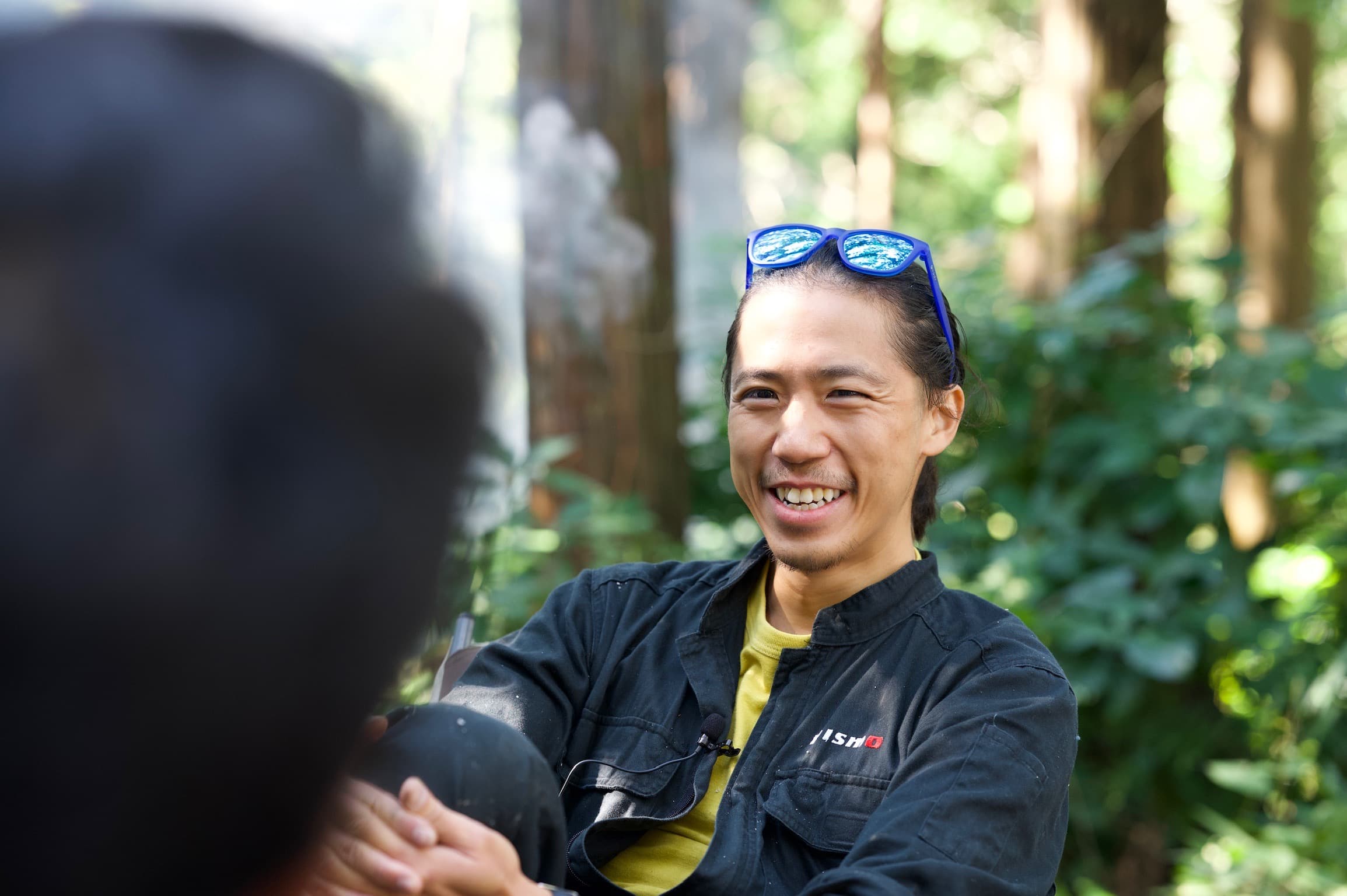
“I used to spend hours trying to make my interview episodes sound good, but as an inexperienced editor, the results were inconsistent and mediocre at best. HENSHU not only gives me confidence in the final sound quality, but it also makes the editing process a blast, allowing me to focus on the content itself.”
Start free, upgrade when you need more.
Perfect for trying HENSHU and creating your first episodes.
Unlimited storage, unlimited creativity.
Prices shown in USD. Taxes may apply.
FAQ
HENSHU is audio-only and built around episode structure. Instead of starting with a dense timeline, you arrange named sections, edit words when needed, and let HENSHU handle cleanup, music, mastering, and export.
No. If you can organize sections and edit text, you can shape an episode. HENSHU keeps the audio engineering work in the background so you do not have to learn compressors, EQ, or mastering settings.
You can start with the audio you already have: phone memos, Zoom recordings, WAV, MP3, AAC, M4A, or separate host and guest tracks. HENSHU turns those files into editable episode material.
The creative calls stay yours. AI can clean the sound, suggest changes, and speed up production, but you decide what gets cut, what stays, and what the episode says.
The free plan includes all editing features, AI cleanup, mixing, mastering, the standard BGM collection, unlimited exports, 5 hours of audio storage, and 5 hours of transcription. No credit card required.
Yes. HENSHU uses automatic language detection for transcription, so you can use it for Japanese and other non-English episodes. Transcription quality still depends on the language, speakers, and recording clarity.
Yes. HENSHU works in mobile web, and every editing feature is available there too. You can arrange an episode, edit words, clean the sound, add music, master, and export from your phone without installing a desktop app.
Yes. You can use tracks from the HENSHU BGM library or upload your own music for a show. For music you bring yourself, make sure you have the rights to use it in your podcast.
Free forever tier. No credit card.
Bring a recording and walk through the five steps.
So what made you decide to start this project?
At first, I was just recording conversations with people in the neighborhood. CutMutewait there's someone at the door ... okay. But the more I listened back, the more I realized there was a real story there.


